
Visual Orientation
This page gives new contributors a quick visual map before they dive into code. Screenshots live in public/, so future captures can be added without changing the private game repository.
Current Screens
Section titled “Current Screens”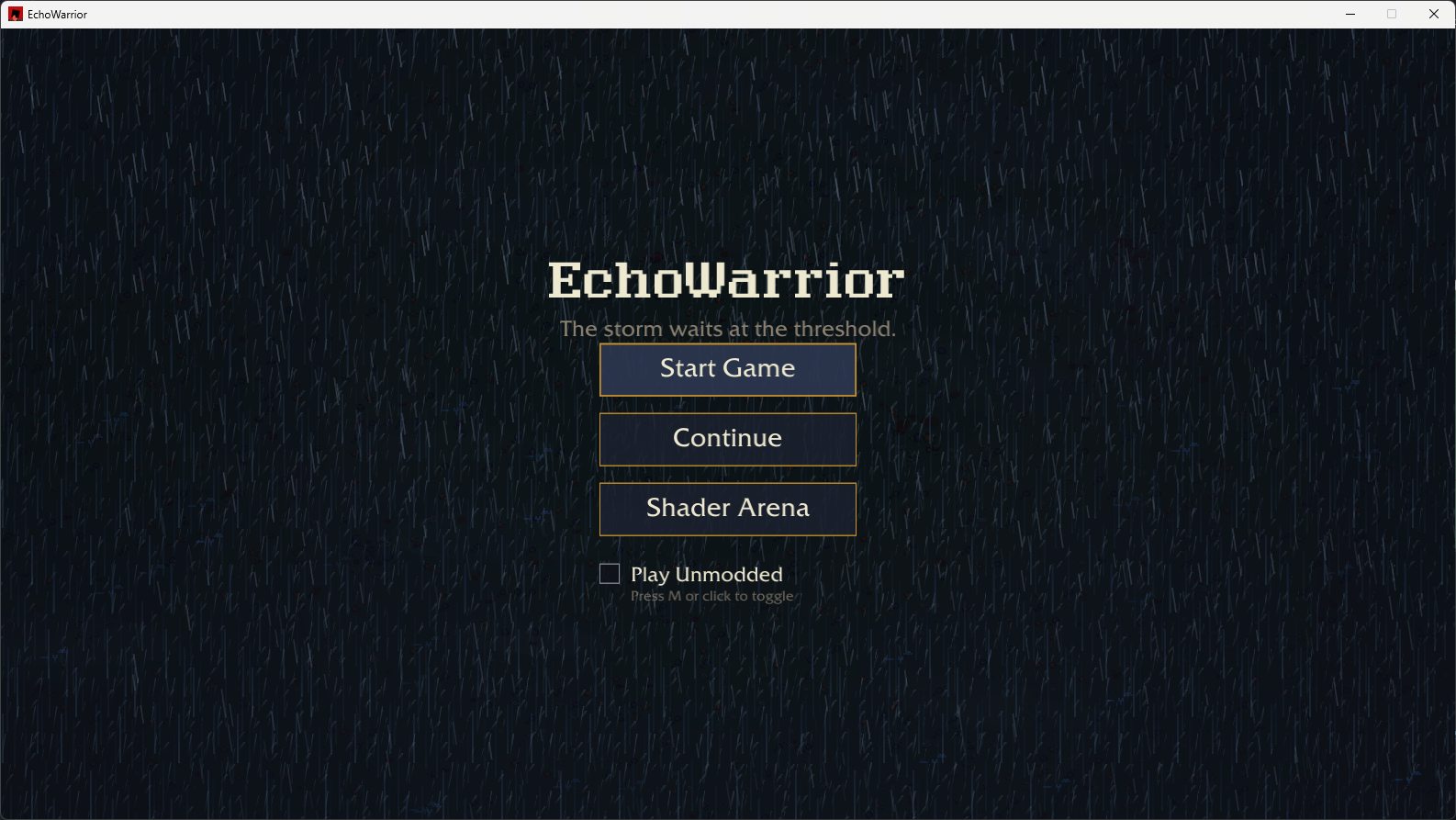
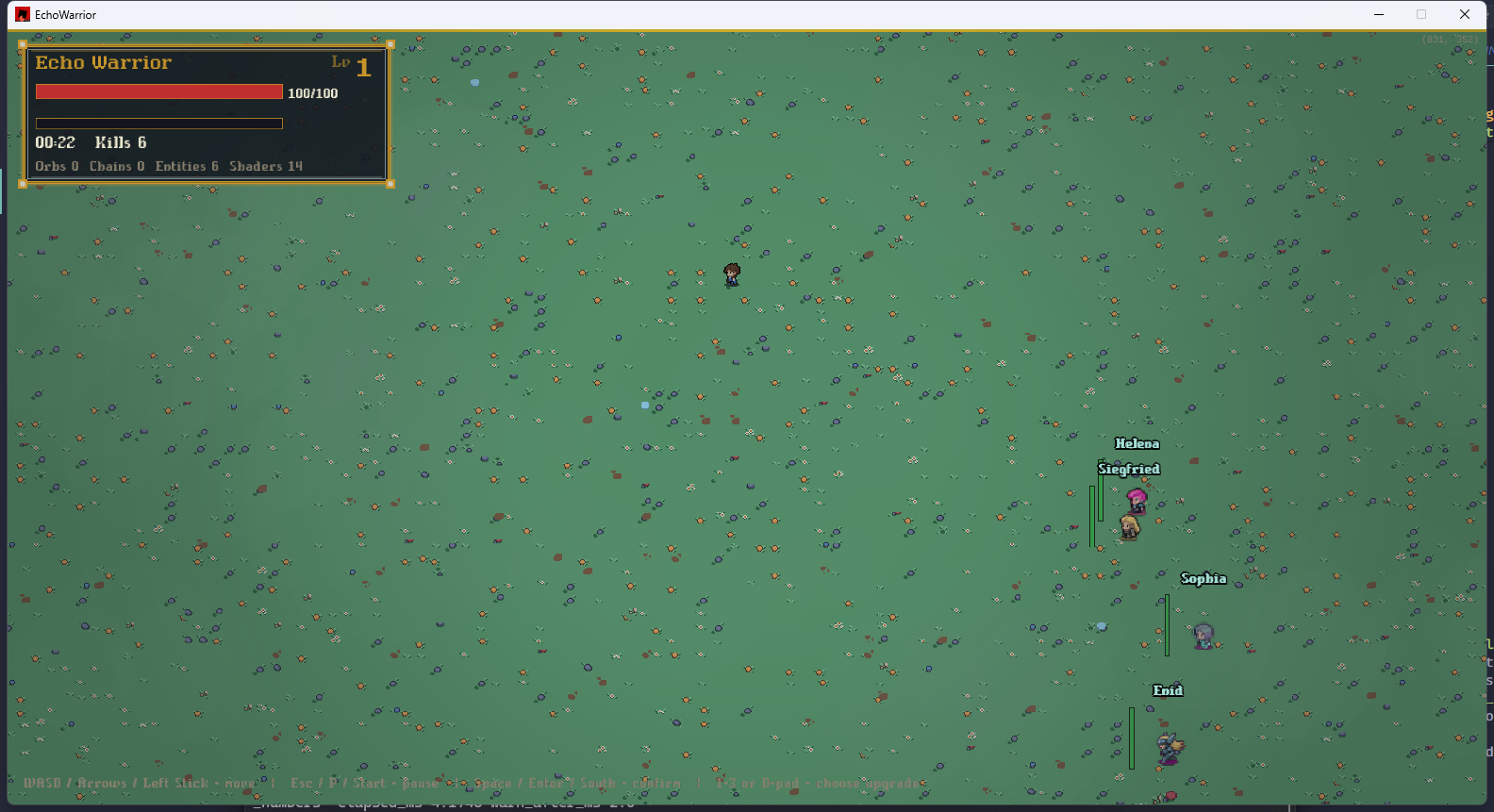
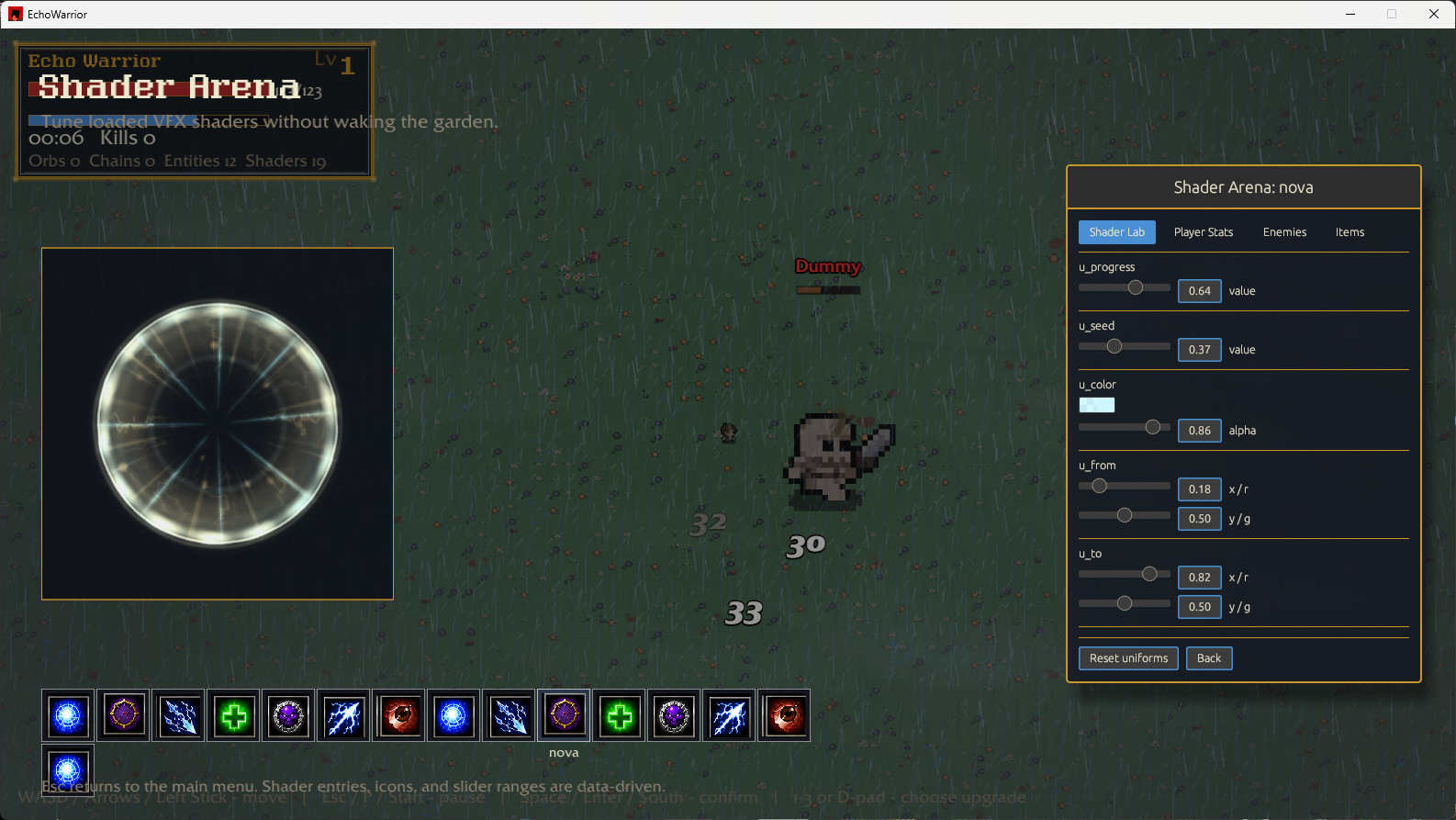
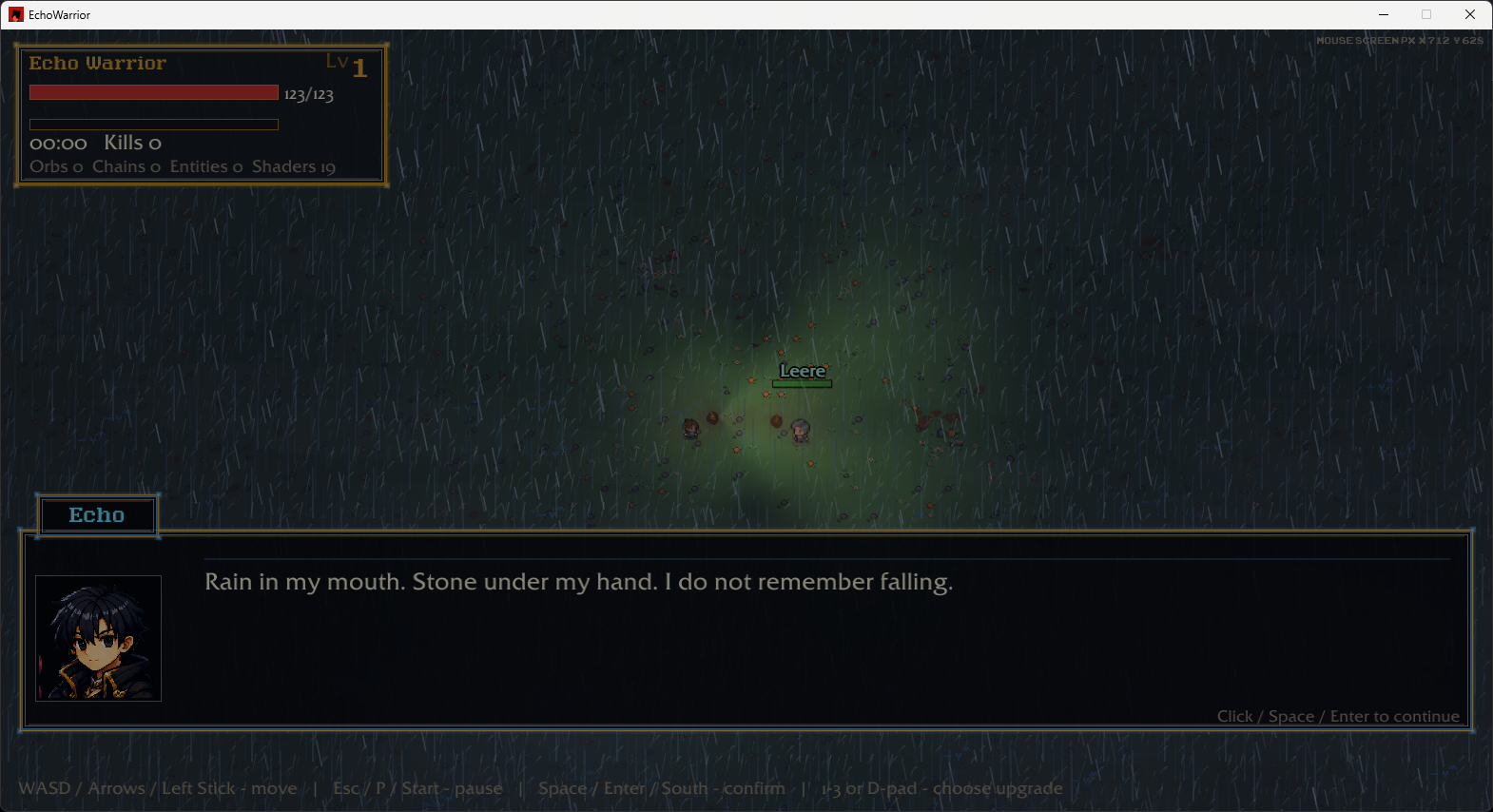


How To Read A Screenshot
Section titled “How To Read A Screenshot”When you add or review a screenshot, name the system it teaches. Good contributor screenshots usually clarify one of these:
| Screenshot focus | Relevant docs |
|---|---|
| HUD, overlays, labels, and effect draw order | Rendering And UI |
| Dialogue, story beats, gestures, and camera cues | Choreography |
| Runtime asset loading and fallback behavior | Assets And Packaging |
| Mod-authored data changing visible gameplay | Modding Boundary |
| Debug panels, logs, counters, or diagnostics | Observability |
Adding More Captures
Section titled “Adding More Captures”Put public screenshots in:
public/Prefer short, descriptive lowercase names:
public/shader_arena_2.pngpublic/dialogue_choice_1.pngpublic/start_screen_2.pngpublic/level_up_cards_1.pngThen reference them from Markdown with absolute paths:
<img src="/shader_arena_2.png" alt="Shader arena showing chain lightning tuning controls" />Use captions to explain why the screenshot matters to a contributor. A useful caption says which system is visible and what code or data boundary the reader should remember.