
Leitmotif
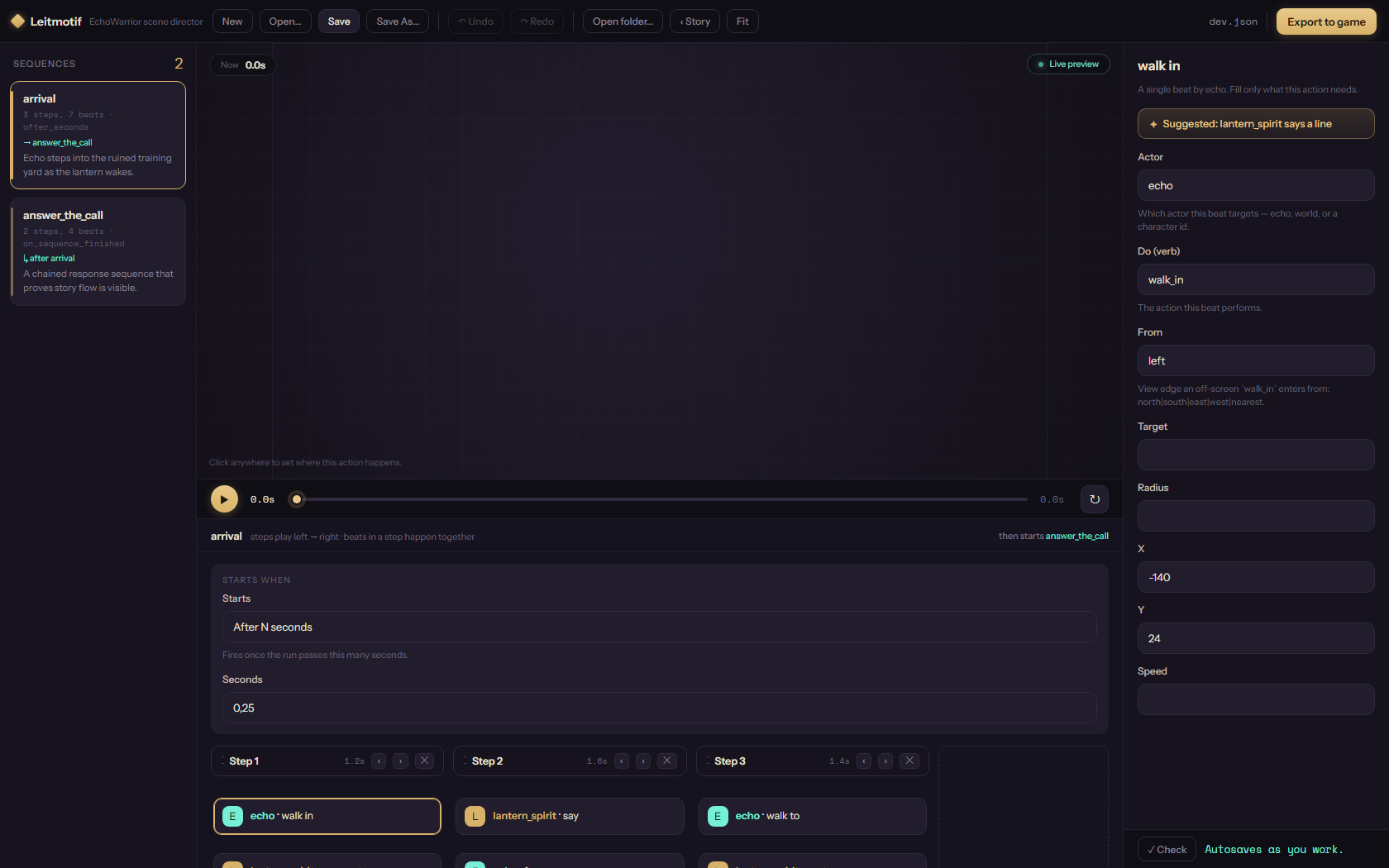
Leitmotif is the EchoWarrior scene director. It is a Tauri desktop app with a Vite and TypeScript frontend, built so writers can compose choreography without editing Rust or hand-writing every TOML beat.
It belongs to the choreography pipeline, not the runtime renderer. The app authors scene data, asks the game’s choreo CLI to validate, preview, convert, and graph it, then exports TOML the game can play.
Identity
Section titled “Identity”
What It Owns
Section titled “What It Owns”flowchart TB writer[Writer or designer] ui[Leitmotif UI<br/>tools/leitmotif/src] doc[SceneDoc<br/>single edit model] bridge[Tauri bridge<br/>src-tauri/src/main.rs] cli[choreo CLI<br/>game contract] data[Scene TOML / JSON] game[EchoWarrior runtime]
writer --> ui ui --> doc doc --> bridge bridge --> cli cli --> data data --> gameLeitmotif owns authoring ergonomics:
- scene and sequence selection
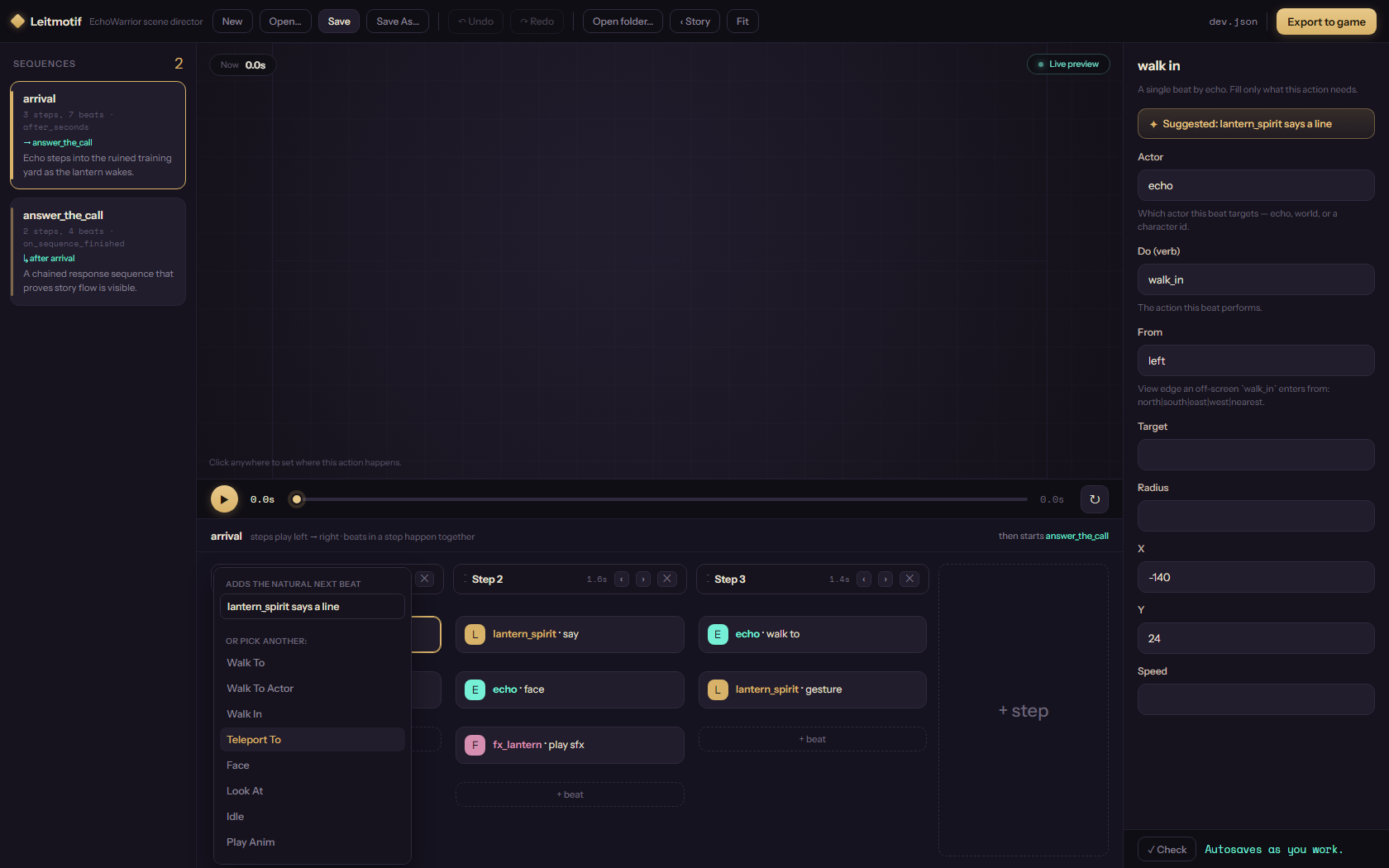
- the beat timeline and drag/reorder operations
- schema-driven beat and trigger forms
- project-level story graph loading
- deterministic suggestions and fix suggestions
- save, validate, preview, convert, and export flows through
choreo
The game still owns the contract. If the Rust choreography types or choreo behavior change, Leitmotif follows that contract instead of inventing a second one.
First Mental Model
Section titled “First Mental Model”A newcomer can read Leitmotif as three layers:
| Layer | Main files | Job |
|---|---|---|
| Document model | src/scene.ts, src/project.ts |
Own loaded scene state, dirty tracking, undo/redo, project scene maps. |
| Editor surface | src/main.ts, src/timeline.ts, src/form.ts, src/trigger.ts, src/stage.ts, src/story.ts |
Render the editor and route user actions into SceneDoc. |
| Contract bridge | src/bridge.ts, src-tauri/src/main.rs, contract/choreography.schema.json |
Talk to the game only through choreo and the generated schema. |
Contributor Entry Points
Section titled “Contributor Entry Points”Start here if you are new:
- Getting Started to run the app and understand the dev modes.
- Usage to learn the authoring loop from open to export.
- Moddability to understand how scene files, ids, schema, and mods fit together.
- Architecture to see the document, UI, bridge, and CLI boundaries.
- Screenshots to connect the visual surface to the code.
- Contributor Slices for small, practical changes.
Rule Of Thumb
Section titled “Rule Of Thumb”When adding a Leitmotif feature, keep the authoring model boring and reliable:
- mutate scene content through
SceneDoc - keep native file and CLI access behind the bridge
- derive forms from schema or curated vocabulary
- make suggestions valid by construction
- degrade gracefully when Tauri or
choreois unavailable